


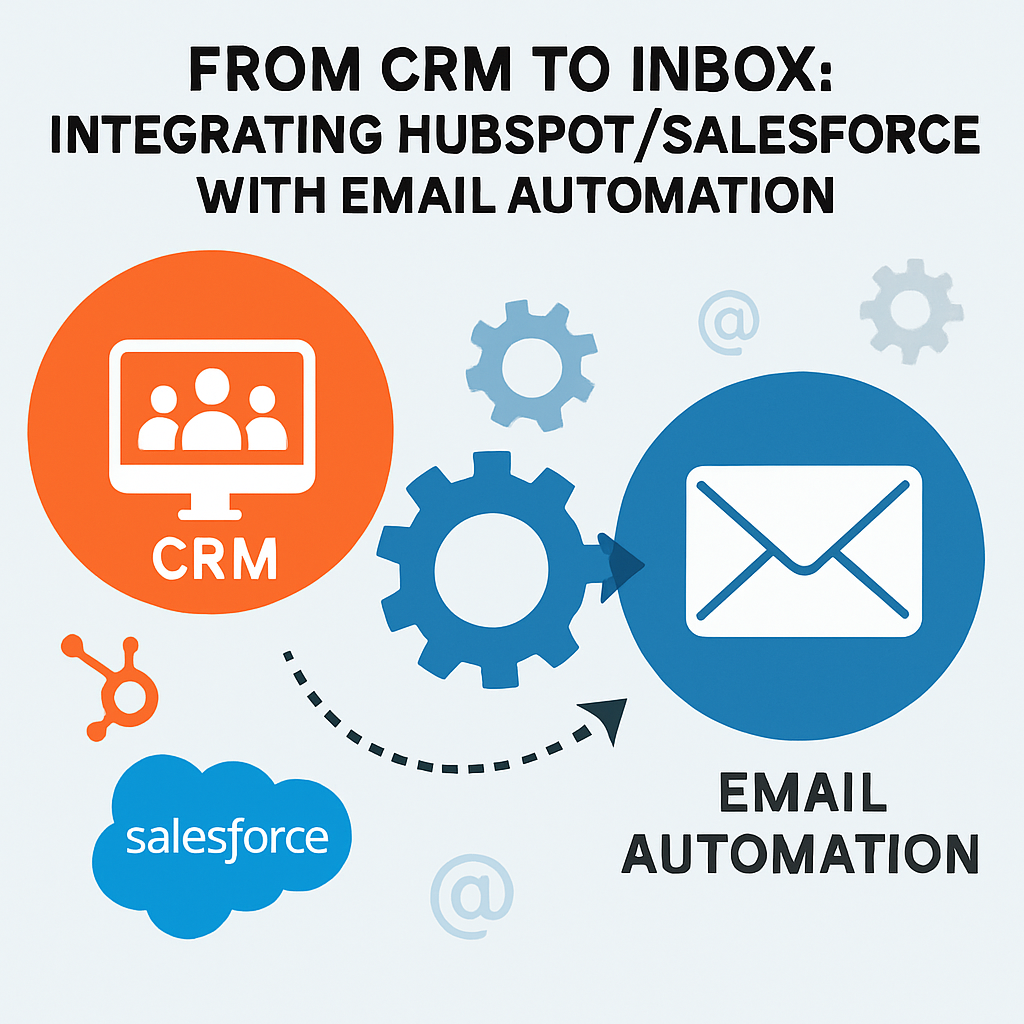
From CRM to Inbox: Integrating HubSpot/Salesforce with Email Automation
Introduction: The Invisible Bridge Between CRM and Email
Picture Lucia, a dedicated sales manager at a fast-growing SaaS enterprise, wrangling with the challenge of maintaining a streamlined sales process and delivering exceptional customer experiences. Her team works diligently, but opportunities slip through the cracks: customer data is scattered across platforms, campaign timing falls short, and every follow-up requires a manual nudge. According to a 2023 Gartner survey, nearly two-thirds of organizations struggle to align their CRM and email strategies effectively.
Enter the transformative power of CRM email automation integration—the seamless connection between your CRM platform and email automation tool. By harnessing advanced features in platforms like HubSpot and Salesforce, and synchronizing them with robust email automation workflows, businesses can supercharge productivity, personalize at scale, and deliver measurable ROI.
In this comprehensive, step-by-step guide, you’ll discover not only the “why” and “how” of CRM to email sync, but you’ll also find concrete examples, detailed explanations, and actionable recommendations tailored for corporate professionals seeking to bridge the gap from CRM to inbox.
Why Integrate Your CRM with Email Automation?
Integrating your CRM system with email automation isn’t a mere convenience—it’s a game changer for modern organizations seeking operational efficiency and deeper customer engagement. Let’s unravel the compelling reasons to invest in CRM email automation integration.
Centralized Customer Data: A Single Source of Truth
A primary benefit is having a consolidated view of every customer interaction, preference, and status throughout the sales funnel. When CRMs like HubSpot or Salesforce are tightly knit with your email platforms, all customer activity—from account activity to website behavior—is available in one unified dashboard.
Why does this matter?
- Sales reps gain instant context for every conversation.
- Marketing no longer sends redundant or irrelevant campaigns.
- Customer service can see complete communication histories.
For instance, a 2022 McKinsey report revealed that companies leveraging centralized customer data enjoyed a 15-20% boost in overall sales productivity. This centralization reduces errors and empowers everyone to make informed decisions.
Hyper-Personalized Communication: Beyond “Dear Customer”
Personalization is the currency of email success. With CRM to email sync, every communication benefits from up-to-date insights—purchase history, behavioral data, lifecycle stage, and even previous support tickets.
Benefits of Hyper-Personalization:
- Automated segmentation enables targeted campaigns for different audience segments.
- Personalized subject lines and content blocks increase engagement.
- Enhanced relevance leads to higher conversion rates.
A case in point: A North American e-commerce brand implemented CRM-driven personalization and achieved a 6x increase in transaction rates, as noted in Experian’s research.
Example:
A luxury travel agency uses HubSpot’s CRM integration to segment customers by travel frequency and destination preferences. When a new package aligns with a segment’s interests, customers automatically receive bespoke recommendations and exclusive offers, resulting in a 22% increase in repeat bookings within nine months.
Automated, Consistent Follow-Up: Never Miss a Beat
The most common cause of lost deals? Lack of timely follow-up. Automated workflows ensure leads never fall through the cracks, from new inquiries and onboarding emails to renewal reminders and post-purchase surveys.
Salesforce research highlights that organizations using automated follow-ups decrease lead response times by as much as 80%.
Real-World Scenario:
A regional insurance company used Salesforce’s email workflows to send customized renewal reminders 30 days and 72 hours before policy expiration. As a result, they saw a 27% reduction in lapsed policies over a year.
Enhanced Reporting and Optimization: Data-Driven Decision Making
Unifying your CRM and email data brings every metric together, allowing for intelligent attribution of sales, engagement, and customer satisfaction.
Key advantages:
- Measure ROI by tracing revenue back to email automations.
- Identify high-performing segments and campaigns with ease.
- Shorten time-to-insight: a Forrester benchmark shows a 45% acceleration in actionable insights when using integrated platforms.
Case Study:
A technology consulting firm bridged Salesforce and their marketing automation system. By tracking leads from the first email touch through to closed-won deals, they optimized campaign spend and reduced cost per acquisition by 18% within six months.
Popular Tools: HubSpot and Salesforce in Focus
HubSpot Email Automation: Power and Simplicity Combined
HubSpot is celebrated for providing an all-in-one platform that blends powerful CRM functions with native email marketing and automation.
Key HubSpot Email Automation Features:
- Drip campaigns triggered by contact lifecycle changes.
- Automated nurturing: onboarding sequences, post-demo follow-ups, re-engagement campaigns.
- Lead scoring that routes leads to sales based on conditions.
Detailed Example:
A mid-market SaaS firm implemented HubSpot email automation. Post-demo requests led to a five-email onboarding sequence. Conversion from demo-to-paid users rose from 11% to 23%—attributable to timely, relevant automation.
Salesforce Email Workflows: Advanced Customization and Scale
Salesforce is ideal for enterprises needing deep customization, essential workflow precision, and powerful reporting.
Salesforce Workflow Capabilities:
- Rule-based sequences fired by any CRM event.
- Event-triggered messages for milestones or support interactions.
- Third-party solutions via AppExchange for extended functionality.
In-Depth Example:
An international logistics company automated shipment notifications through Salesforce workflows. Manual workload dropped by 70% and NPS improved from 42 to 57 over two quarters.
Client Testimonial:
“After automating our lead nurturing via Salesforce—personalizing content according to client industry and deal size—qualified leads jumped 40% year-on-year.”
CRM Email Automation Integration: How Does It Work?
What Is CRM to Email Sync?
CRM to email sync is the real-time or scheduled synchronization of contact data, activity history, segmentation info, and response metrics between your CRM (such as HubSpot or Salesforce) and your email automation platform.
Typical Data Points Synced:
- Contact attributes (name, email, company)
- Engagement touchpoints (opened, clicked, replied)
- Deal stages and lifecycle status
- Event and campaign history
Technical Approaches to Integration
1. Native Integrations
- HubSpot: Use native email and workflow tools or integrate with providers in minutes.
- Salesforce: Connect via Marketing Cloud, Pardot, or other tools on AppExchange.
2. Third-Party Middleware
For complex use cases, platforms like Zapier or Workato enable flexible syncing across systems.
Middleware in Practice: A European B2C retailer used Zapier to automate welcome emails and abandoned cart recovery, boosting conversions by 19%.
3. Custom API-Based Solutions
- Best for regulated industries or legacy systems
- Highly customizable with developer support
Pro Tip: Start with native integrations and build complexity through middleware or APIs as needs evolve.
Step-by-Step Guide to CRM Email Automation Integration
Step 1: Define Objectives and Map Your Workflows
- Clarify goals: nurture leads, re-engage clients, reduce manual follow-ups
- Map key events to email actions
Example Objective: A financial firm triggered thank-you emails for referrals, resulting in a 15% referral increase.
Step 2: Prepare and Cleanse Your CRM Data
- Audit contacts, update fields, remove duplicates
- Standardize fields necessary for segmentation and automation
Case Study: A consultancy’s cleansing initiative led to a 44% drop in bounce rates and a 17% rise in engagement.
Step 3: Enable or Install the Integration
HubSpot: Navigate to Integrations > Email and activate connection.
Salesforce: Find connectors on AppExchange or use built-in Marketing Cloud tools.
Step 4: Map Fields and Configure Sync Settings
- Link standard and custom fields
- Set sync direction (uni- or bi-directional)
Documentation Tip: Maintain a sync mapping spreadsheet for troubleshooting and scaling.
Step 5: Design and Launch Automated Email Workflows
- Use triggers, branching logic, and dynamic templates
- Ensure emails are mobile-optimized and brand-compliant
Example: An onboarding series lifted open rates to 40%, with a 14% cross-sell increase.
Step 6: Test, Test, Test
- Test every variation and customer path
- Validate personalization, triggers, and compliance
Step 7: Monitor, Optimize, and Report on Performance
- Use dashboards to evaluate key metrics
- Conduct regular reviews and A/B tests
Overcoming Common Integration Challenges
Data Quality and Hygiene
- Schedule data audits
- Automate validation
Integration Complexity in Large Stacks
- Use native connectors first
- Integrate middleware when needed
Change Management and Staff Readiness
- Offer training and internal champions
- Use pilot programs and showcase results
Compliance and Security
- Conduct legal reviews
- Maintain opt-in/opt-out processes
Measuring Success: The KPIs of Integrated CRM and Email Automation
Engagement Metrics
- Open rates: 21.33% B2B average
- Click-through rates: 2.62%
Conversion and Revenue Metrics
- Lead-to-customer conversion
- Pipeline growth
- Revenue from automations
Operational Efficiency Metrics
- Time saved from automation
- Fewer data errors
Customer Experience Metrics
- NPS improvements
- Post-interaction satisfaction
Future Trends in CRM Email Automation Integration
AI-Driven Personalization
Machine learning enables real-time content customization.
Predictive Analytics and Next-Best-Action
Organizations use predictions to prioritize leads and automate outreach for higher success rates.
Omnichannel Orchestration
CRM-integrated campaigns stretch across email, SMS, and social media for maximum engagement.
Conclusion: From Insight to Inbox—Take the Next Step
The promise of CRM email automation integration is within reach. Whether using HubSpot or Salesforce, a strategically executed integration will:
- Centralize your customer data
- Enable personalization at scale
- Create faster, more reliable customer experiences
Ready to get started?
Begin with one impactful workflow, update your data, and leverage stakeholder buy-in. Test, learn, and iterate—because CRM-to-inbox alignment creates the momentum competitive teams need today.
Further Reading
- HubSpot CRM and Email Automation Integration Guide
- Salesforce Marketing Automation Overview
- GDPR and Email Automation: What You Need to Know
- McKinsey: The Power of Personalization in Modern Marketing
- Forrester: The ROI of Integrated Marketing Technology
Author:
[Your Name], Corporate CRM & Email Automation Specialist
Updated for 2024