


“`html
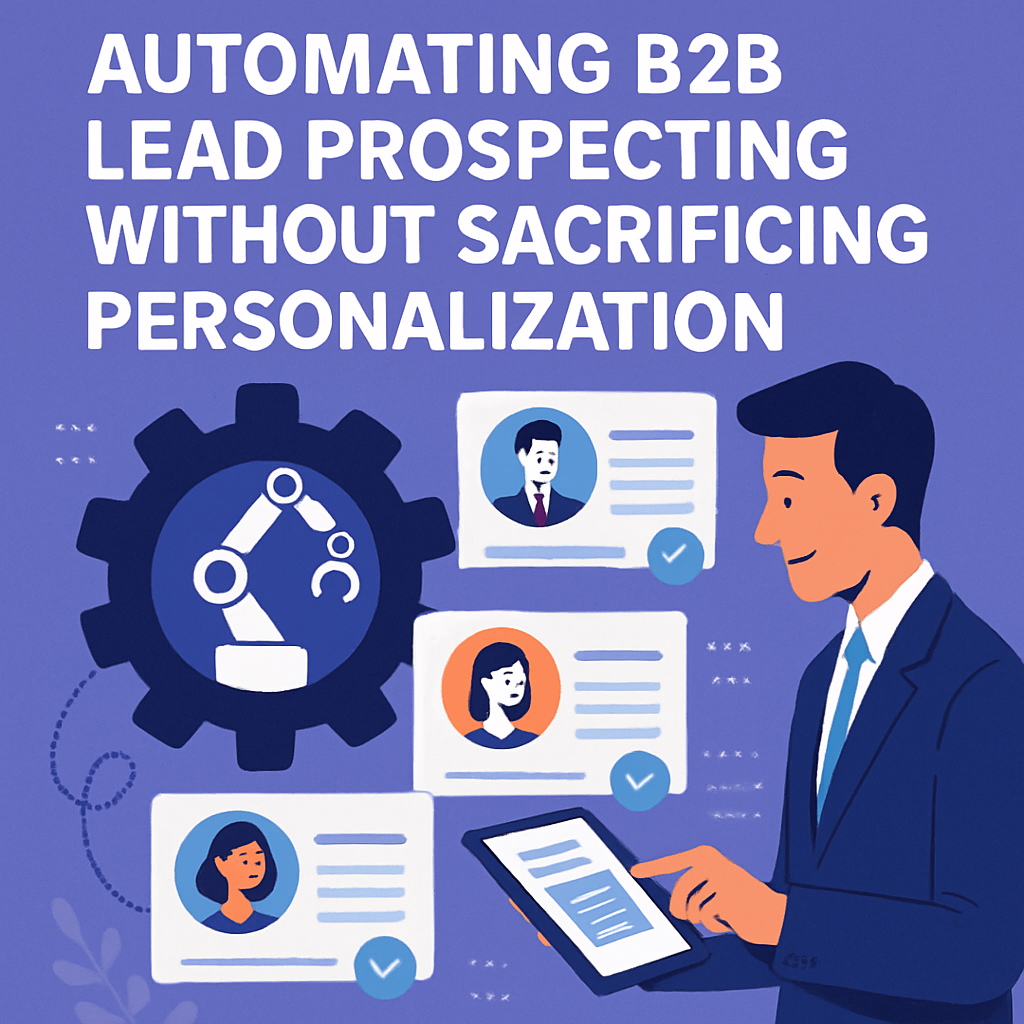
How to Automate B2B Lead Prospecting Without Sacrificing Personalisation: An In-Depth Guide for Small Business Owners
B2B selling in the digital era is more challenging—and more promising—than ever before. The demand to scale sales activities has never been greater, but so has the need for authentic, personalised connection. For small business owners, finding ways to automate B2B lead prospecting while retaining a human touch is the new secret weapon for growth.
This comprehensive, step-by-step guide will show you exactly how to harness personalised automation, leverage outbound workflow automation, and boost your results with AI sales outreach—all without falling into the trap of generic, robotic communication. Follow along, and you’ll learn how to turn automation into a relationship-building asset, not a faceless spam machine.
Table of Contents
- Why Automate B2B Lead Prospecting?
- Can Automation Be Personal? Debunking the Myths
- Step 1: Map Your Ideal Customer Profile (ICP)
- Step 2: Build and Enrich Data-Driven Prospect Lists
- Step 3: Design Truly Personalised Automation Campaigns
- Step 4: Outbound Workflow Automation: Tools and Strategies
- Step 5: Integrate AI for Smarter B2B Sales Outreach
- Human Touchpoints: Knowing When to Step In
- Common Pitfalls of Automated Prospecting (and How to Avoid Them)
- Case Studies: Small Business Owners Winning with Automated, Personal Prospecting
- Action Plan: How to Start Automating Today
- Frequently Asked Questions
- Conclusion: The Future is Personalised Automation
Why Automate B2B Lead Prospecting?
Small businesses face inherent limitations—tight budgets, smaller sales teams, and the constant tug between working “in” the business and “on” the business. Lead prospecting is time-consuming, repetitive, and critical for growth.
Why should small business owners automate B2B lead prospecting?
- Save Time: Automating research, data entry, and initial outreach frees up more hours for sales conversations and closing deals.
- Scale Outreach: Reach hundreds (or thousands) of ideal prospects quickly, rather than relying on slow, manual processes.
- Improve Efficiency: Streamline follow-up, track responses, and reduce the chance that hot leads slip through the cracks.
- Lower Costs: Automated lead generation can be 30% less expensive than manual prospecting (Source: HubSpot, 2022).
- Focus on High-Quality Conversations: Spend less time sourcing leads and more on building value-driven relationships.
Example
Consider “EcoFil Solutions,” a small B2B manufacturing supplier. Before automation, their sales rep spent 15 hours per week identifying and reaching out to prospects. After implementing outbound workflow automation, EcoFil’s rep now spends only 4 hours weekly on admin—while tripling the number of effective, personalised touches. Sales doubled in six months without hiring additional staff.
Can Automation Be Personal? Debunking the Myths
The fear: Using automation will make outreach cold, impersonal, and—worst—ineffective. No small business owner wants to be associated with “Dear [First Name]” emails. But reality is changing fast.
Modern personalised automation can actually make your outreach more human by:
- Using data to tailor messages at scale based on prospect interests, roles, or recent company news.
- Allowing you to quickly reference shared connections, common pain points, or timely triggers (e.g., company funding rounds).
- Giving you bandwidth to spend more time on warm leads—where your personal input matters most.
Research & Statistics
- 20% higher response rates for emails with hyper-personalised content vs. generic ones (Campaign Monitor, 2022).
- 80% of B2B decision makers report being more likely to engage with companies that offer personalised experiences (Salesforce, 2022).
Example
“ByteBrite IT,” a 6-employee tech consultancy, uses automation to send LinkedIn messages that automatically reference LinkedIn posts shared by prospects in the past month. Their connection acceptance rate surged from 10% to 38%, leading to more quality conversations.
Step 1: Map Your Ideal Customer Profile (ICP)
Automated prospecting is only as good as your target definition. If you automate outreach to the wrong people, you’re just automating wasted effort.
How to Build a Laser-Focused ICP
- Review Your Current Customer Base
- List your most successful clients.
- Identify commonalities: industry, company size, job titles, annual revenue, location, technology stack, business pain points, and sales cycle length.
- Define Firmographic & Demographic Details
- Firmographics: Industry verticals, company size, funding stage, location.
- Demographics: Decision-maker personas, job functions, seniority levels.
- Identify Pain Points and Triggers
- What urgent problems do your best customers face?
- What events (new funding, hiring sprees, leadership changes) signal an ideal time to reach out?
- Document Your ICP
- Use a one-pager or table in your CRM or sales playbook.
- Example ICP: “Operations managers at U.S.-based logistics companies with 50-500 employees, actively hiring, using legacy software.”
Why This Step is Vital
The more precisely you define your ICP, the more relevant your automated messages can be, increasing conversion rates and reducing wasted outreach effort.
Step 2: Build and Enrich Data-Driven Prospect Lists
Quality prospect lists are the engine of effective automation. Bad data—old info, invalid emails, wrong job titles—leads to wasted budget and damaged sender reputation.
Methods & Tools for List Building
- LinkedIn Sales Navigator: Filters by industry, company size, job title, geography, recent company news, and more.
- Data Enrichment Tools:
- Apollo.io: Pull verified direct emails, enrich with funding data, tech stack, and decision-maker roles.
- Lusha: Access millions of business contacts and enrich your lists with direct dials and emails.
- Hunter.io: Find and verify professional emails from company websites.
- LeadIQ: Extract leads while browsing LinkedIn and automate import to your CRM.
Best Practices
- Cross-reference multiple sources for up-to-date data.
- Regularly clean your lists: Remove bounced or invalid contacts and update outdated info.
- Append “trigger” details (like recent funding or new job changes) to spot sales timing opportunities.
Example
“GreenManage,” an energy management startup, shifted from manual web-scraping to using Lusha + LinkedIn Sales Navigator. Weekly, they went from 30 hand-picked contacts to an automated pipeline of 180+ verified, segmented prospects. List bounce rates dropped from 12% to under 2%, and their SDR closed her first enterprise deal within two months.
Step 3: Design Truly Personalised Automation Campaigns
This is where technology and genuine connection intersect. The secret is to automate what’s repetitive but keep room for contextual, customer-centric messages.
Components of a Personalised Campaign
- Dynamic Content Fields
- Go beyond first name: reference specific company news, shared connections, or recent awards.
- Example: “Congratulations on [Company]’s recent expansion into APAC—I noticed your hiring surge on LinkedIn!”
- Audience Segmentation
- Build sub-sequences for different job roles, industries, or company growth stages.
- Tailor pain points and solutions to each segment.
- Multichannel Sequences
- Combine email, LinkedIn InMail, phone scripts, and, where appropriate, even text messages.
- Ring the changes: prospects see you in their inbox, their social feed, and their voicemail.
- Conditional Logic
- Send follow-ups only if the previous message isn’t opened or replied to.
- Shift messaging if a prospect engages (e.g., attended a webinar).
Email Example: Hyper-Personalised vs. Generic
Generic:
“Hello [First Name], we help companies save time. Book a demo!”
Hyper-Personalised:
“Hi Priya, congrats on your recent SaaStock pitch! I saw [HerCompany] just launched fleet management software. Our platform helped [Relevant Competitor] reduce onboarding time by 40% during similar growth. Would love to share how.”
Pro Tip
Automated sequences should always include an “exit” if a prospect replies positively so you can take over and deepen the conversation manually.
Step 4: Outbound Workflow Automation: Tools and Strategies
Outbound workflow automation platforms can drastically reduce manual busywork, keeping prospects engaged across multiple touchpoints.
Popular Outbound Automation Tools
- Apollo.io: B2B lead database, multichannel sequences, built-in enrichment, analytics dashboard.
- Outreach.io: Advanced workflow automation, reply detection, and A/B testing.
- HubSpot Sales Hub: Seamless with CRM, easy template management, robust reporting.
- Mailshake: Simple, effective multi-touch email automation.
- Lemlist: Standout for personalised images, videos, and multi-channel outreach.
- Reply.io: Email and LinkedIn automation in one streamlined platform.
Workflow Example
- Import Leads:
- Upload cleaned, segmented contact list from data tools.
- Design the Sequence:
- Email 1: Personalised intro, referencing shared experience or news
- LinkedIn touch: Connection request with note
- Email 2: Industry-specific case study, relevant pain point
- Call script: For “warm” leads (opened/clicked previous emails)
- Follow-up email: If “no response,” add urgency or value
- Automate Scheduling:
- Space out touches (e.g., Email 1 sent Day 1, LinkedIn on Day 3, Email 2 on Day 6).
- Use task reminders for manual actions when needed.
- Track and Refine:
- Monitor open, reply, and bounce rates within the automation dashboard.
- Continuously improve scripts with A/B testing.
Example: Multi-Channel Sequence in Action
“InsightWeb” Digital uses Lemlist to run a campaign targeting CMOs in ecommerce.
- Step 1: Custom video email mentioning a detail from the prospect’s recent blog.
- Step 2: LinkedIn connection request, referencing their latest webinar.
- Step 3: Follow-up email sharing a case study relevant to their sector.
- Results: 20% reply rate (industry average is 7%) and three demo bookings per week.
Step 5: Integrate AI for Smarter B2B Sales Outreach
The latest wave of AI sales outreach transforms what you can do—saving time, uncovering insights, and unlocking deeper personalisation.
How AI Elevates Prospecting
- AI-Powered Copywriting: Tools such as Copy.ai, Smartwriter, and Lavender craft unique emails based on each prospect’s online presence, recent news, or pain points.
- Intent Data Analysis: Apollo, ZoomInfo, and Leadfeeder monitor web activity, alerting you when prospects are “in-market” for your solution.
- Predictive Lead Scoring: AI models assess which leads are likeliest to close based on engagement and demographic data.
- Chatbots and Scheduling Assistants: Qualify leads on your website, handle basic queries, and automate appointment booking.
Example of AI in Action
“IT Bridge,” a B2B SaaS platform, implemented AI tools that:
- Scanned target company websites for recent product launches or job changes.
- Auto-generated first-draft emails referencing those changes.
- Sorted leads by predicted engagement level, so human reps focused only on the hottest prospects.
Results: 40% more meetings booked and 25% faster cycle from first touch to closed deal.
Key Stat
B2B businesses using AI-assisted outreach report an average 26% increase in conversion rates compared to purely manual processes (Gartner, 2023).
Human Touchpoints: Knowing When to Step In
Automation gets you 90% of the way. But critical moments still require your expertise and empathy.
When to “Go Human”
- When a prospect replies positively or asks a nuanced question.
- If a high-value or “dream” account opens multiple emails without responding.
- When a lead hits your website after an outreach sequence (via tracking tools).
- During proposal or negotiation stages.
Example
“BridgeConsult,” a small management consultancy, uses automation to nurture leads for the first three touches. If a prospect requests a case study or suggests a call, the founder steps in with a custom-recorded video and handwritten summary. Result: They’ve doubled
Get customers on autopilot. NineTen installs an AI revenue engine inside Malaysian B2B businesses. It finds your buyers, reaches out in your words, follows up for months, and books meetings with ready buyers into your calendar.
Chat with us on WhatsApp and see what it could do for your business.
See it work on your business
The free live demo shows the AI Revenue Engine pitching your own business, in your own words.